




Email is one of the few marketing channels SaaS companies fully control. However, getting the right message to the right user at the right time, across trials, onboarding, launches, and churn risks, is hard to do manually Email marketing automation tools take on much of this work by sending messages automatically based on user behavior and lifecycle stage.
The catch is that many tools are built for online stores and newsletters, not for pure software-based startups. We analyzed dozens of platforms on pricing, behavior-based triggers, AI features, and deliverability to find the eight best email marketing automation tools for SaaS in 2026.
Quick Comparison Table
| Tool | Best For | Key Feature | Pricing Type |
| Customer.io | Product-led SaaS | Behavioral automation | Paid + Trial |
| ActiveCampaign | B2B & SMB SaaS | Advanced workflows | Paid + Trial |
| HubSpot | All-in-one SaaS marketing | CRM + Automation | Freemium |
| Encharge | SaaS lifecycle marketing | Visual workflows | Paid + Trial |
| Loops | Developer-focused SaaS | Product & transactional email | Freemium |
| Brevo | Budget-friendly SaaS | Email + SMS | Freemium |
| Klaviyo | Data-driven SaaS | Advanced segmentation | Freemium |
| Mailchimp | SaaS startups | Easy email automation | Freemium + Trial |
The 8 Best Email Marketing Automation Tools for SaaS
Customer.io
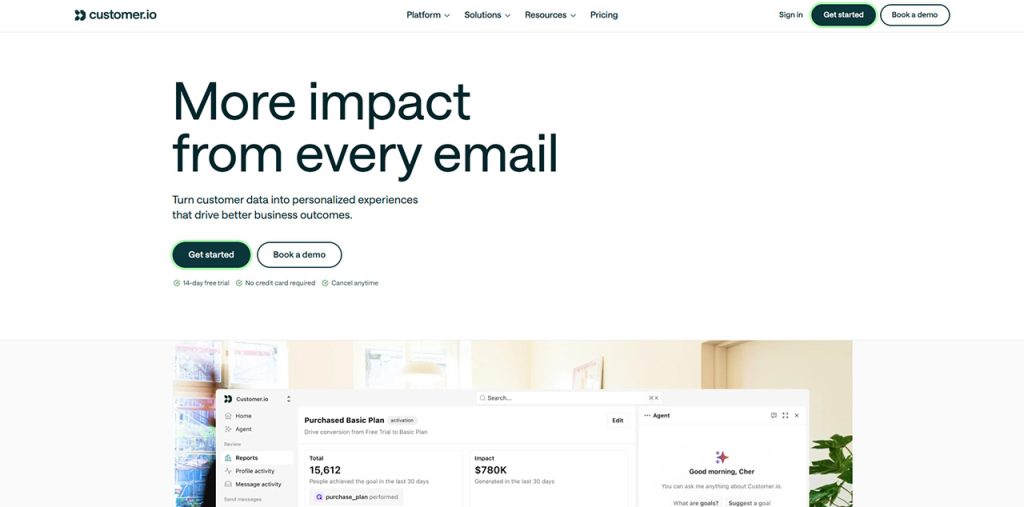
Best for: Product-led SaaS teams that need behavior-triggered messaging across several channels.
Customer.io is a customer engagement platform launched in 2012. It is used to create email, in-app notifications, and SMS messages from customer data and events. The platform runs on real-time event data, so an action like signing up or finishing boarding can trigger a message instantly. This makes it well suited for SaaS companies who want to send email notification based on a user action or event.
Key features
Visual journey builder
Teams can build multi-step workflows with branching logic, so each user follows a path determined by individual attributes and actions.
Pre-signup event tracking:
The platform can record events before a person signs up or logs in.
Flexible data model:
A profile can represent a user, an account, or another object.
Data connectivity. It integrates with Data Pipelines, other customer data, webhooks, and APIs. Its documentation also describes syncing customers from Stripe.
Pros
- Event-based triggering, best for onboarding, trial activation, etc.
- A/B testing available within workflows
Cons
- Initial setup generally requires technical knowledge to implement event tracking and data flows.
- Pricing is profile-based, so costs rise as the user base grows.
- There is no permanent free plan.
Pricing
Pricing model: Customer.io uses tiered, profile-based pricing, so cost depends mainly on the number of people and objects stored in the workspace.
Free options: There is no permanent free plan, but a free trial is available.
ActiveCampaign
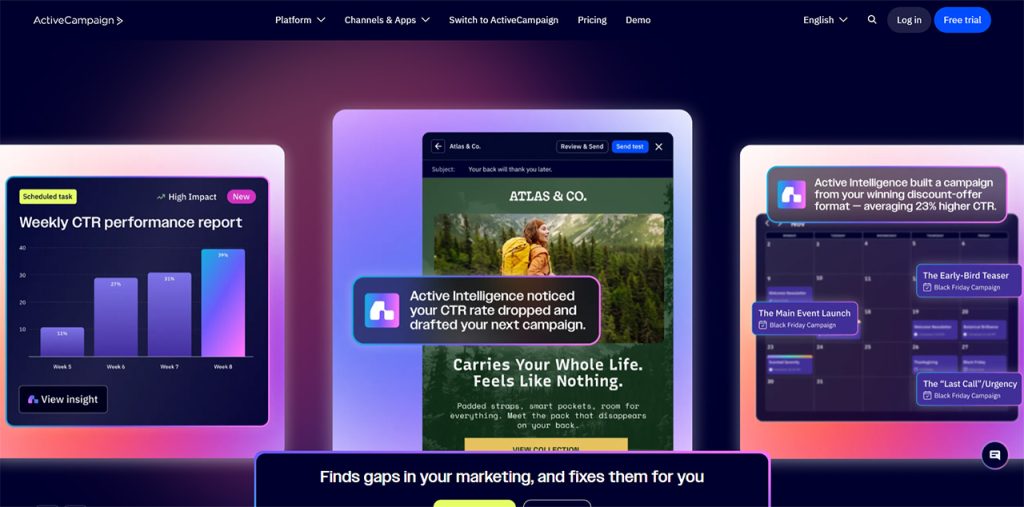
Best for: B2B SaaS teams that need advanced automation with marketing and sales data in one platform.
ActiveCampaign is a marketing automation platform based in Chicago. It combines email, SMS, and WhatsApp messaging with a built-in CRM. The depth of its automation engine is its real advantage, and SaaS teams can use it to design trial and onboarding sequences.
Key features
Visual automation builder. The builder supports conditional logic, split paths, goal tracking, and triggers for email, SMS, site tracking, and CRM events.
Built-in CRM. A change in deal stage can trigger an automation.
AI features. The platform offers predictive sending, predictive win probability for deals.
Pros
- One independent review described the automation depth as the most powerful among the tools it tested.
- Marketing activity and deal data are connected to a single contact record, which can remove the need for separate email and CRM tools.
- A library of pre-built automation templates.
Cons
- The learning curve is very high. Reviewers note that teams might have to invest some time to learn the tool, and a few even seek professional assistance for initial setup.
- Sales automation is reserved for the Plus plan and higher, with a CRM add-on.
Pricing
Pricing model: ActiveCampaign uses contact-based pricing, so cost rises as the contact list grows. Higher tiers add advanced automation, CRM and sales features, predictive capabilities, and more user seats.
Free options: There is no permanent free plan, but a free trial is available.
HubSpot Marketing Hub
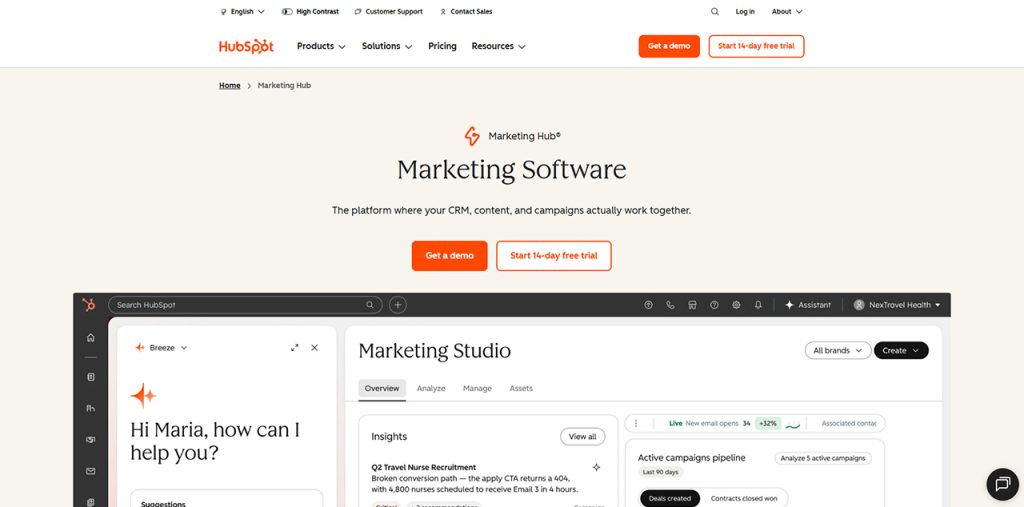
Best for: SaaS teams that want marketing automation built around a unified CRM.
HubSpot Marketing Hub is the marketing product within HubSpot, which was founded in 2006. It combines email marketing, automation workflows, landing pages and forms, SEO tools and analytics, while sharing a manage email campaigns and improve customer engagement with sales and service teams.
Key features
Visual workflow builder. Workflows can be triggered by form submissions, email engagement, etc.
Email marketing tools. The email side includes a drag-and-drop builder and templates.
Lead scoring and sales handoff. Lead scores can be used in workflows. When a score reaches a defined threshold, the platform can notify the assigned sales representative, create a follow-up task, etc.
Pros
- This platform covers landing pages, forms, content management, social publishing, and SEO recommendations, which reduces the number of separate tools.
- Reviewers rate its onboarding resources, academy, and documentation good, and it has a large user base.
Cons
- Workflow automation, email A/B testing, and lead scoring are gated behind the Professional tier.
- Cost can rise quickly as the contact list and the number of required features grow.
Pricing
Pricing model: HubSpot uses tiered pricing based on seats and marketing contacts, so cost rises with team size and list size.
Free options: A free tier of marketing tools and CRM is available without a time limit. It includes HubSpot branding and limited email sending.
Encharge.io
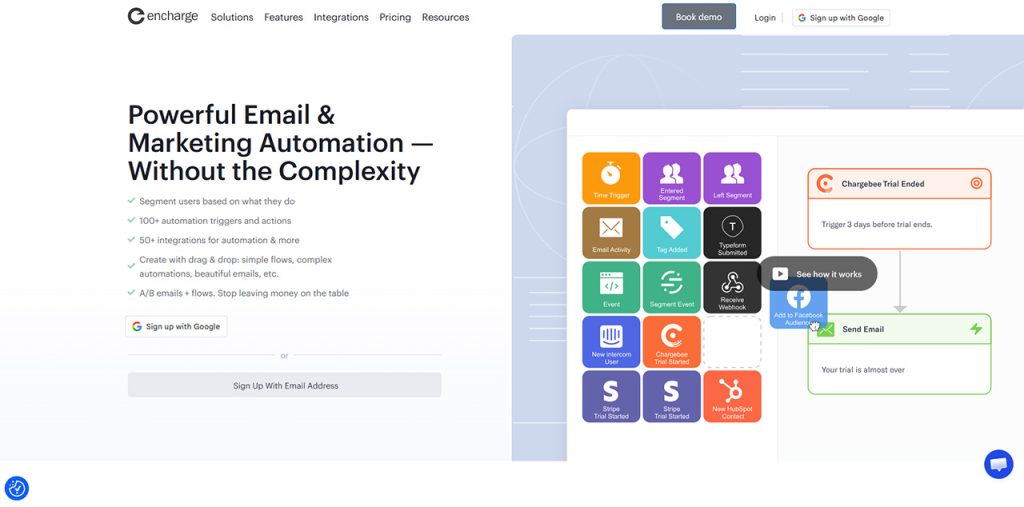
Best for: SaaS teams focused on lifecycle marketing, behavioral automation, and personalized customer journeys.
Encharge.io is a marketing automation platform designed for startups, with a strong focus on behavior-based communication. SaaS teams can use product events, website activity, forms, and customer data to trigger automated emails. Its visual flow builder allows marketers to map complex customer journeys using triggers, actions, and filters easily.
Key features
Visual flow builder. Teams can create multi-step customer journeys by connecting triggers, actions, and filters, with multiple paths.
Behavior-based automation. Encharge.io can trigger emails when users perform or do not perform specific actions.
Pros
- Strong fit for onboarding, lifecycle marketing and behavior-triggered email sequences.
- Visual workflow design makes complex automation easier to map and manage.
- Native integrations with common SaaS billing, CRM, analytics, and customer data platforms.
Cons
- There is no permanent free plan; Encharge offers a free trial instead.
- Pricing is based on the number of subscribers.
Pricing
Pricing model: Encharge uses subscriber-based pricing, with plans structured around the number of subscribers in an account.
Free options: There is no permanent free plan, but a 14-day free trial is available.
Loops.so
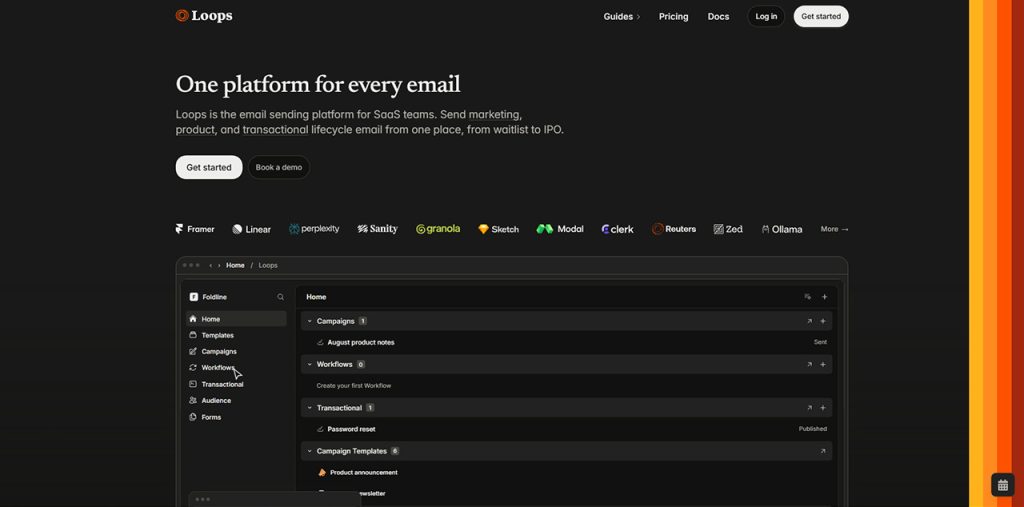
Best for: Early-stage and developer-led SaaS teams that want marketing, lifecycle, and transactional email on one platform.
Loops is an email platform built specifically for SaaS companies. It lets teams send marketing campaigns, product lifecycle messages, and transactional email from a single product instead of maintaining separate tools. Its narrow focus on email makes it well suited to SaaS companies.
Key features
Event-driven workflows. Workflows can start when a contact is added or updated, when a contact joins a list, or when an event is received
Transactional emails. Password resets, receipts, and other system messages are sent through an API from the same workspace as marketing campaigns.
Developer tooling and integrations. A REST API, official software development kits, and integrations with tools such as Stripe, Segment, PostHog, and Clerk connect product data to email.
Pros
- One platform covers marketing, lifecycle, and transactional email, which simplifies the email stack.
- It is highly customizable because it’s built for programmers.
Cons
- The platform is limited to email, so SMS, push, and in-app messaging require additional tools.
- Requires technical skills.
Pricing
Pricing model: Loops uses contact-based pricing, so cost depends on the number of subscribed contacts.
Free options: A free plan is available.
Brevo
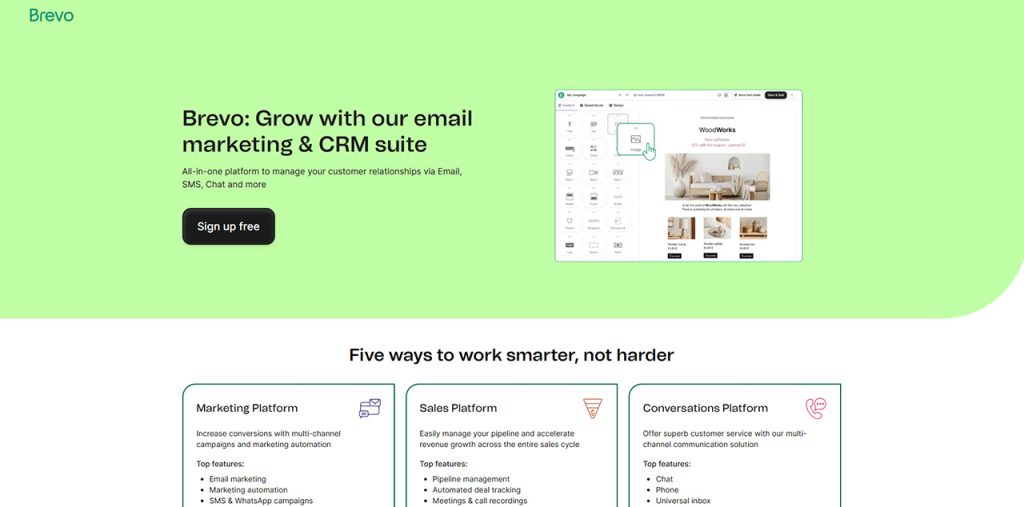
Best for: Budget-conscious SaaS teams that need email and SMS automation with a built-in CRM.
Brevo, formerly known as Sendinblue, is a marketing platform that combines email, SMS, WhatsApp, marketing automation, and a CRM in one place. It is a general-purpose tool rather than one built specifically for SaaS.
Key features
Multichannel automation. Workflows can be triggered by conditions and user actions, and can combine email, SMS, and push notifications in a single sequence.
Transactional email. Transactional messages can be sent through an API or SMTP relay, which allows product notifications and marketing email to run on one platform.
Built-in CRM. Contact records, deals, and sales pipelines sit alongside marketing activity.
Pros
- Email, SMS, WhatsApp, and CRM are available in one platform.
- A free plan and a lower entry cost than many competitors.
- Transactional email and marketing automation can be managed in the same account.
Cons
- The platform is not designed around SaaS product events, so behavior-based lifecycle messaging may require more configuration.
- Pricing is based on email volume, so costs can increase for teams with large send volumes.
Pricing
Pricing model: Brevo uses volume-based pricing, so cost depends mainly on the number of emails sent.
Free options: A free plan is available.
Klaviyo
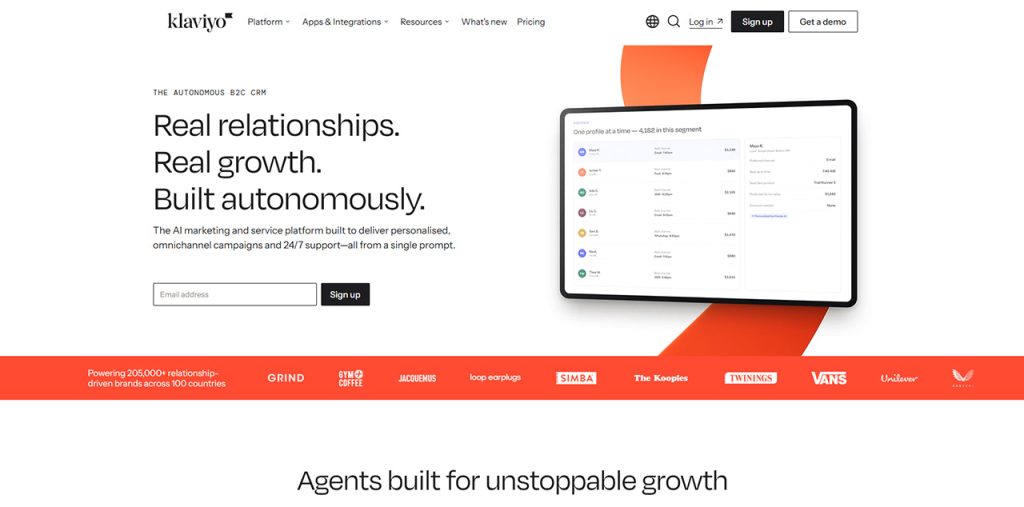
Best for: Data-driven SaaS teams.
Klaviyo is a marketing automation and customer data platform that combines email, SMS, and other messaging channels with a central customer database. The platform was originally built for ecommerce and is positioned as a B2C CRM. However, its data model of profiles, events, and metrics also fits SaaS products.
Key features
Event-based flows. Automated flows start from customer events, such as a signup, a plan change, or a custom product action
Multichannel messaging. Email and SMS can be managed in the same platform.
Developer-friendly data model. Customer data typically reaches Klaviyo through a REST API
Pros
- Product events can trigger flows, which supports onboarding, activation, and retention messaging.
- Email, SMS, and reporting are available in one platform.
Cons
- The platform is built primarily around ecommerce, so some templates and reporting features are less relevant to SaaS use cases.
- Pricing depends on the number of profiles and on SMS usage, so costs can rise as the audience grows.
Pricing
Pricing model: Klaviyo uses usage-based pricing that depends mainly on the number of active profiles, with additional costs for SMS.
Free options: A free plan is available.
Mailchimp
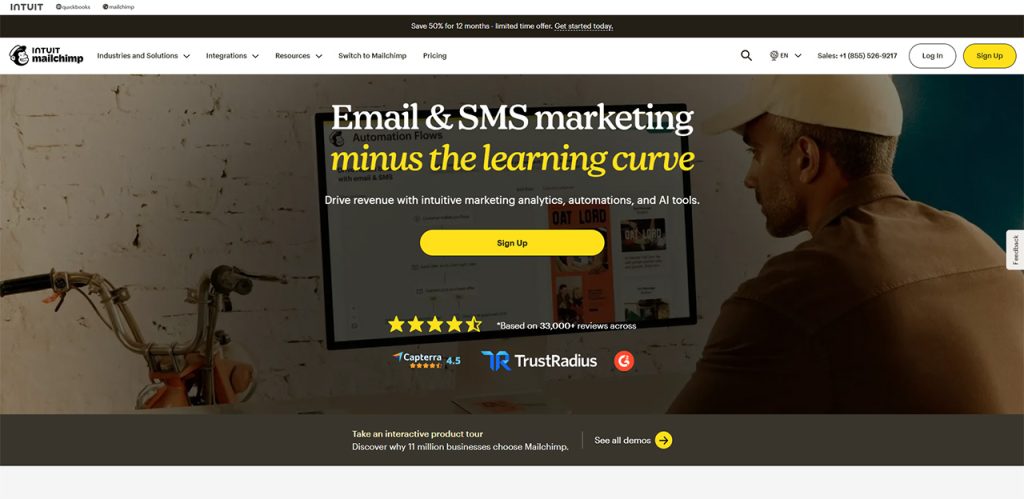
Best for: SaaS startups that want an easy-to-use platform for newsletters, announcements, and basic lifecycle email.
Mailchimp is an email marketing and automation platform founded in 2001. It combines email campaigns, automation, landing pages, and SMS in a single product.
Key features
Customer Journey Builder : A visual builder creates multi-step automations with conditional logic, triggered by subscriber behavior and other events.
Audience segmentation: Contacts can be organized with tags, profiles, and behavior-based segments to support targeted campaigns.
Email builder and templates: A drag-and-drop editor and a library of templates allow non-technical team members to produce campaigns quickly.
Pros
- The interface is beginner-friendly and quick to learn.
- Email, SMS, and landing pages are available in one platform.
Cons
- Automation is less flexible than in dedicated SaaS tools, particularly for complex branching based on product events.
- Transactional email is a separate product with its own pricing.
Pricing
Pricing model: Mailchimp uses tiered, contact-based pricing, with higher tiers adding advanced automation, segmentation, and analytics features.
Free options: A free plan is available with limited features.
How to choose a SaaS email automation tool?
The right tool depends on the type of SaaS, how large its user base is, and how much technical support it has.
Mostly four factors matter the most:
Product data and triggers
The tool should send emails based on in-app behavior, such as sign-ups, feature use, and inactivity, and connect to billing and CRM systems.
Pricing model
Tools charge by contacts, profiles, or emails sent. Teams should estimate the cost at their current user count and at twice that size.
Deliverability
Google and Yahoo require bulk senders to use SPF, DKIM, and DMARC authentication and to offer one-click unsubscribe in promotional emails. The platform should support all of these.
Maintaining a clean email list is also important for deliverability, so businesses should regularly validate email addresses and remove invalid or risky contacts.
Ease of setup
Developer-focused tools offer more control but require engineering time.
Conclusion
The right email marketing automation tool for your SaaS depends on its product, user base, and budget. Customer.io is a good fit for product-led technical teams. Teams that want CRM and sales alignment can look at HubSpot or ActiveCampaign, and early-stage or budget-conscious teams can start with Loops or Brevo.