






When a new lead arrives, sometimes it doesn’t contain all the information sales teams need. When visitors fill out forms on company’s landing page, they might provide you a name and email, leaving other important details, such as job title, company size, industry, direct phone number, technology stack, etc, undefined. Then sales reps are forced to invest their own time doing research into what’s missing, detracting from valuable selling hours. And when records aren’t complete, lead routing suffers, wasting potential sales opportunities.
Lead enrichment services can help by enriching prospects’ profiles with verified contact and company details. While there are many lead enrichment platforms out there, they vary widely in terms of how accurately and comprehensively their data sets cover different regions. Some also operate differently around compliance and pricing structure than others. In this blog, we take a look at seven best B2B sales intelligence tools for lead enrichment in 2026.
What Is B2B Sales Intelligence, and How Does It Support Lead Enrichment?
B2B sales intelligence can be defined as “the practice of gathering, verifying and analysing data about your potential buyers” and using it for prioritizing them and personalizing your outreach. These platforms usually integrate various types of data, from firms’ (firmographics) and contacts’ (contact info) data, to technographics and buying intents, into one place.
Lead enrichment means adding and/or updating data of the new or existing leads in the database. Most commonly these are things like the lead’s job title, verified email address, direct phone number, company size, industry and tech stack. And while many companies might do that manually, some B2B sales intelligence vendors offer automation features through integration with other big databases which they constantly update.
As a result, you get more comprehensive data sets that help you score leads, assign territories, segment audience better, learn about their preferences, etc. Additionally, if organizations use automation software, then it cuts down on the need for manual research.
Quick Comparison Table
The table below is a summary of all the tools.
| Tool | Key feature | Best for | Pricing |
| ZoomInfo | Deep North American contact and company data | Enterprise sales teams | Freemium |
| Apollo.io | Contact data plus built-in outreach | Small teams | Freemium |
| Clay | Waterfall enrichment across 100+ providers | Technical RevOps teams | Freemium |
| Cognism | Verified mobile numbers | EMEA outbound teams | Paid |
| HubSpot Breeze Intelligence | Enrichment written directly into HubSpot CRM | HubSpot-based mid-market teams | Paid |
| 6sense | Predictive account scoring and intent signals | Enterprise ABM programs | Freemium |
| Lusha | Instant contact reveal with API and MCP access | SMB teams and AI-agent workflows | Freemium |
The 7 Best B2B Sales Intelligence Tools
ZoomInfo
Best for: Enterprise and mid-market revenue teams.
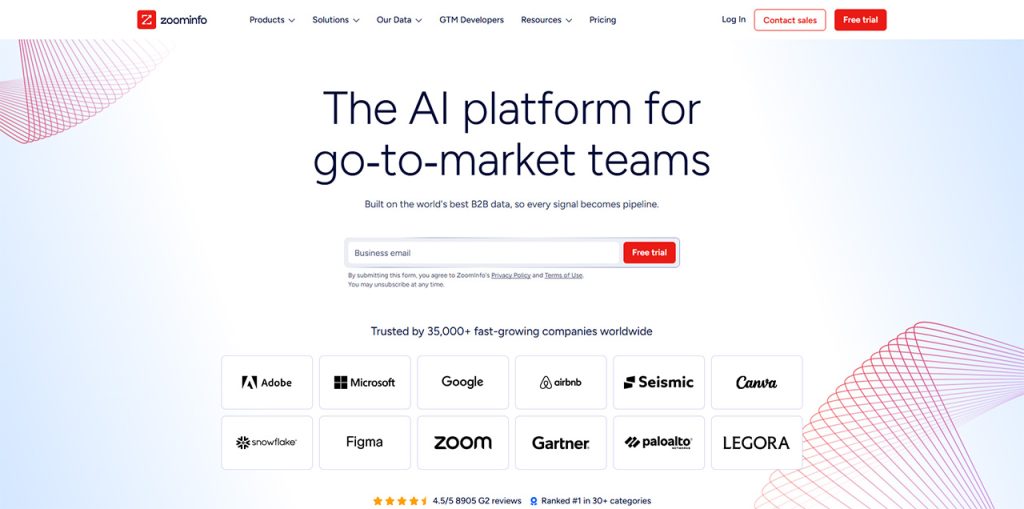
ZoomInfo gives you the contact details, company information, buyer intent, etc. it claims to have over 500 million contacts and 100 million companies within its database. It also integrates natively into Salesforce, HubSpot, Microsoft Dynamics 365 and other big CRMs.
Pros
- Verified data e.g. phone numbers, job titles, etc.
- Buyer intent signals that you can use to prioritize leads.
- CRM integrations and automated data updates.
Cons
- Quote based pricing with annual, multi-seat contracts.
- Less accuracy outside North America and among smaller companies.
- Credit based usage can increase total cost.
Apollo.io
Best for: Startups and small to mid-market teams.
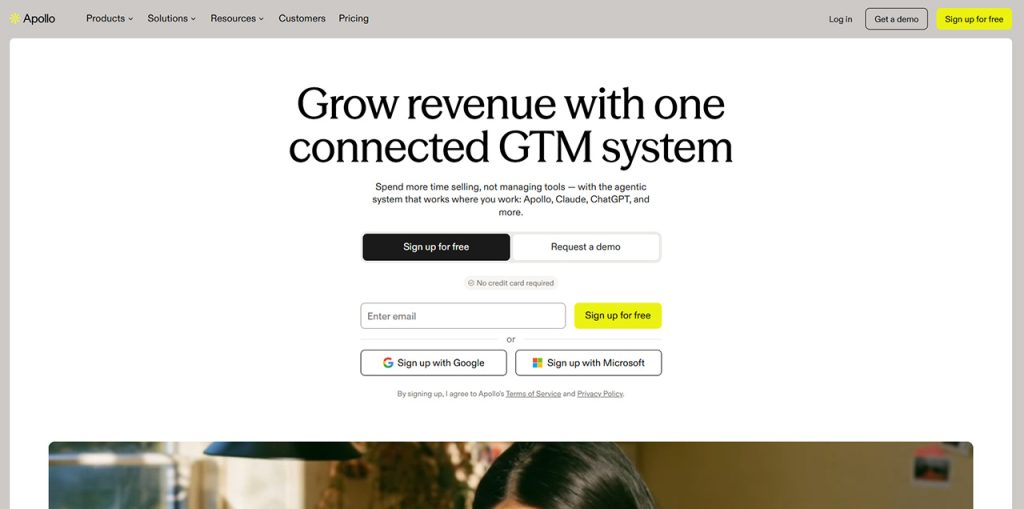
Apollo.io’s entire business has been built on making contact and company searches more efficient through its large database of over 240+ million contacts and 65+ filters that allow you to find exactly who you’re looking for.
The startup also includes some automated B2B contact enrichment capabilities as well as email verification tools along with AI driven lead scoring and recommendation engines. Apollo.io works very nicely alongside sales platforms such as Salesforce and HubSpot and offers a freemium product model which allows users to take advantage of a free trial.
Pros
- Freemium model allows teams to test data quality.
- Enrichment, outreach, calling are in one platform.
- API integration and CRM sync.
Cons
- Coverage is weaker outside North America and in traditional industries.
- Records might be outdated.
- Intent and account-level intelligence are less extensive than at enterprise-focused platforms.
Clay
Best for: Technical RevOps and GTM teams that require programmable workflows.
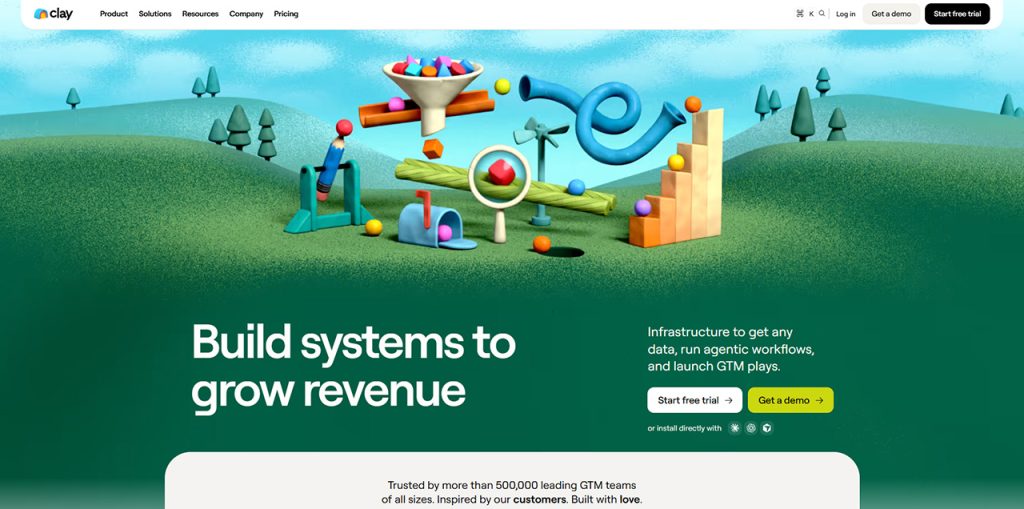
Clay is a go-to-market platform that aggregates more than 100 data providers into a spreadsheet like UI. It performs waterfall business lead enrichment, validates results, deploys Claygent, an AI research agent, to automate custom account research and personalized outreach preparation. Some platforms only provide raw contact data, but clay fetches information from multiple sources to generate actionable prospect insights.
Pros:
- Waterfall enrichment across 100+ providers with higher match rates than single-source databases.
- Claygent AI automates web research and data extraction.
- Native integrations with CRM for workflow automation and outreach.
Cons:
- Steep learning curve for workflow construction.
- Credit-based pricing on paid plans that will become very expensive as your business will grow.
Cognism
Best for: Teams requiring GDPR and other compliant.
Cognism is a sales platform for B2B sectors that allows compliant international prospecting through firmographic/technographic data combined with verified emails & telephones numbers plus automation triggers such as hiring / funding.
Pros:
- Checked contact details like phone numbers, email IDs, and more.
- Great at complying with GDPR and CCPA.
- Buying signals and company filters that can be used to prioritize leads.
Cons:
- Pricing based on sales may be less accessible to smaller teams.
- If you want advanced enrichment and access to the API, you’ll need to subscribe to one of the higher-tier plans.
HubSpot Breeze Intelligence
Best for: Organizations operating within HubSpot CRM
HubSpot’s Breeze Intelligence leverages the power of Clearbit to enrich your HubSpot CRM with real-time data. It appends 40+ firmographics, demographics and other technographic attributes right at the point of form fill/contact creation. It shortens forms to cut down on friction and gives you visitors’ intent for scoring & routing.
Pros:
- Perfect integration with HubSpot’s CRM
- Real-time enrichment and form shortening.
- Unified firmographic, technographic, and intent signals for lead prioritization.
Cons:
- Need a paid HubSpot subscription
- Credit-based consumption model.
6sense
Best for: Enterprise account-based marketing teams.
6sense is a Revenue AI platform that combines account intelligence, buyer intent signals, predictive scoring go-to-market workflows. Its 6AI engine assigns each account a buying stage based on accumulated intent signals, and the platform gives account records with firmographic and technographic data.
Pros:
- It’s prediction system gives you accounts that will most likely purchase.
- Good Integrations with Salesforce and HubSpot.
Cons:
- Contact-level data accuracy varies.
- Implementation is complex and typically takes several weeks or longer.
- Advanced features require custom paid contracts.
Lusha
Best For: Startups & mid cap companies.
With Lusha you get all sorts of data on your target, from verified emails to phone numbers and company info (firmographics, technographics etc). In addition, there are real-time signals such as job changes, funding and more. All in a database of millions of contacts.
Pros:
- Checked emails and phone numbers.
- Chrome Extension for LinkedIn Leads.
- GDPR, CCPA & SOC 2 Type 2 & ISO compliant.
Cons:
- Limited to contact and some basic company fields.
- Smaller coverage compared to its competitors.
- Not built for advanced waterfall enrichment.
How to Choose the Right Platform?
The best platform is the one that proves itself on these five checks:
Check data accuracy:
Request a trial, and test how well the platform matches a set of your existing records. See what percentage of emails are valid within the specific regions/segments you target.
Confirm integrations:
Make sure it works with both your CRM system and your marketing automation tools.
Check the compliance stance:
This matters most if you’re targeting Europe. Most platforms now support GDPR, but they differ on how they handle opt-outs.
Check pricing structures:
Decide if a credit-based or seat-based model fits your usage and team size best.
Consider workflow fit:
Look for the tool with the least learning curve that will work best for your team.
Conclusion
None of these platforms are perfect and there is no single solution that will suite to every organisation. To make sure you find what’s best for your business, it’s worth spending some time evaluating different options based on the markets your sales team works with and the other tech your team is using. Test 2-3 options by running them against a sample of your organisation’s data, see how many contacts each tool successfully fills out. Regular data cleaning also helps identify duplicate, outdated, and incomplete records, making your contact database more reliable.
Frequently Asked Questions
This involves filling in missing details, for example, the job title, the company size, and the verified email address, into an existing lead record.
The degree of accuracy differs from provider to provider and from region to region, so it is necessary for teams to test each tool using a sample of their own records.
It can be done, on the condition that the provider has a legitimate reason for processing the data and complies with opt-out requests.
The prices go from free plans to enterprise agreements, and the majority of vendors charge according to the number of seats or according to the volume of credits or both.
People's contact details become outdated at least once or twice a year as they change jobs and companies.