
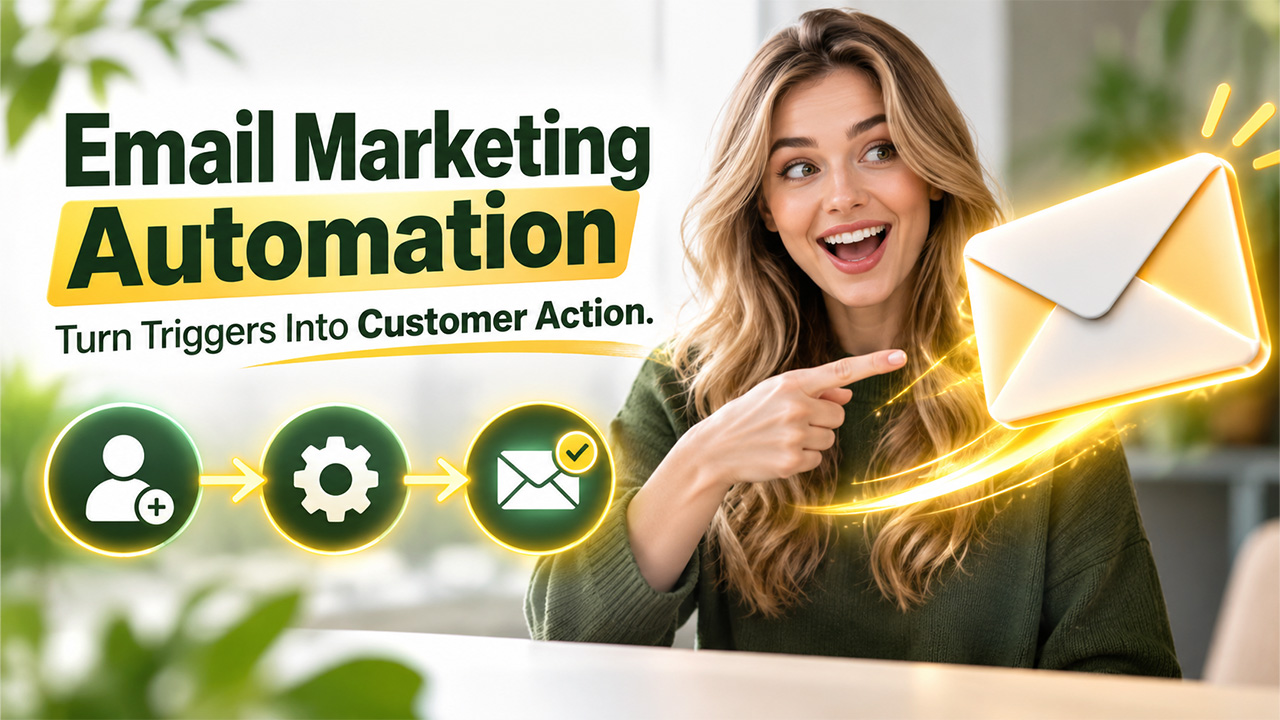




The guide explains what email marketing automation is, how it works, its benefits, and best practices. The article also explores complete steps to create the first automated email campaign.
Email marketing automation is the utilization of software to automatically send personalized emails based on a subscriber’s actions, interests, or customer journey. Businesses can create automated workflows that can deliver relevant messages at the right time, instead of manually sending every email.
The basic concept of email marketing automation is quite simple and straightforward. Businesses can choose a trigger, define what should happen next, and let the email platform handle the delivery.
What is Email Marketing Automation?
Email marketing automation refers to the utilization of software to send emails to subscribers automatically, based on specific actions, behaviors, or conditions. With email automation, marketers can create automated workflows that can deliver the right message to the right person at the right time, instead of manually sending each email.
It can also be explained as the process of digital marketing that sends emails automatically when any specific condition is met. The main goal of email automation is to make email communication between business and prospects more timely, relevant, and personalized, while also reducing repetitive marketing tasks.
Unlike a traditional email newsletter, automated emails are often triggered by the behavior of an individual customer. Common triggers include:
- Signing up for a newsletter
- Downloading an eBook or guide
- Making a purchase
- Abandoning a shopping cart
- Starting a free trial
- Clicking a specific link
- Becoming an inactive subscriber
- Reaching a specific date or milestone
Key Features of Email Marketing Automation
Email marketing automation platforms offer key features that help businesses create, personalize, and manage email campaigns automatically. Some of the key features of email marketing automation are as follows:
Automated Email Workflow:
Automated workflow allows businesses to create a sequence of emails that are sent automatically when specific conditions are met.
Trigger-Based Emails:
Triggers determine when an automated email should be sent. There are various common triggers, such as newsletter signup, product purchase, or form submission.
Audience Segmentation:
Segmenting the audience allows marketers to divide subscribers into smaller groups based on various characteristics or behaviors.
Personalization:
Email automation can also help marketers send personalized messages using customer information. Effective personalization makes automated emails feel more relevant and useful.
Benefits of Email Marketing Automation
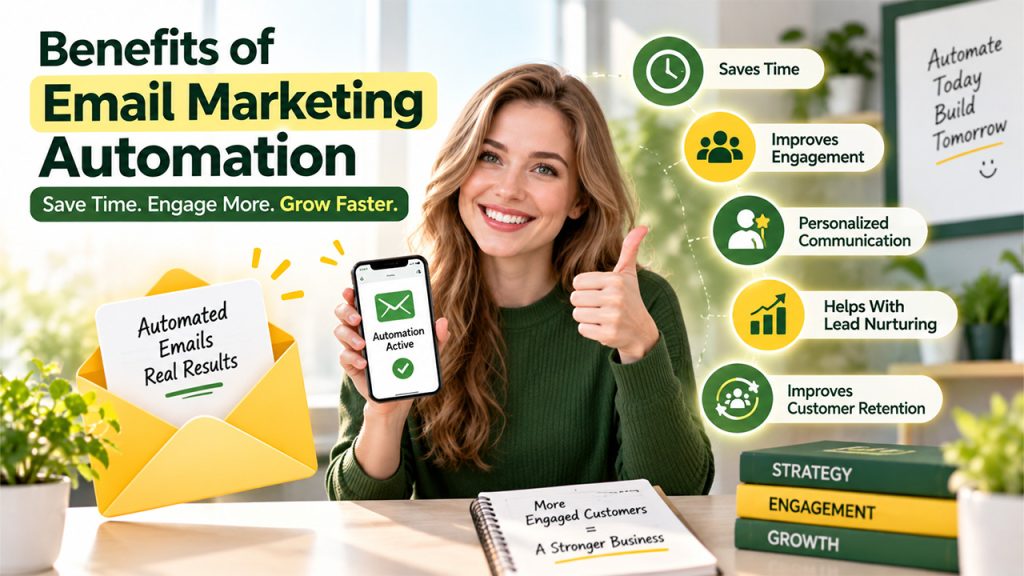
Email marketing automation enables businesses to communicate efficiently with customers and prospects automatically, based on their actions, interests, and stage in the customer journey. Some of the key benefits of email automation are as follows:
Save Time and Reduce Manual Work
One of the major advantages of email automation is that it eliminates repetitive tasks. This allows marketers to spend valuable time on strategy, content creation, customer research, and campaign optimization.
Improves Customer Engagement
Email marketing automation tools help automate emails that can be triggered by specific customer actions, making the message more relevant than generic mass emails.
Enables Personalized Communication
Personalization is among the most important benefits of email marketing automation. An automation platform utilizes customer information and behavioral data to personalize emails based on key factors, like name and contact information, products purchased, content viewed, links clicked, customer preferences, previous interactions, and stage in the buying journey.
Helps With Lead Nurturing
Email automation allows businesses to efficiently nurture leads over a longer period of time, simply by providing educational content, helpful resources, case studies, product information, and relevant offers.
Improves Customer Retention
Email marketing automation also helps businesses maintain relationships with existing customers. Automated emails like post-purchase emails, product education, and personalized recommendations encourage customers to remain connected with a brand.
How Does Email Marketing Automation Work?
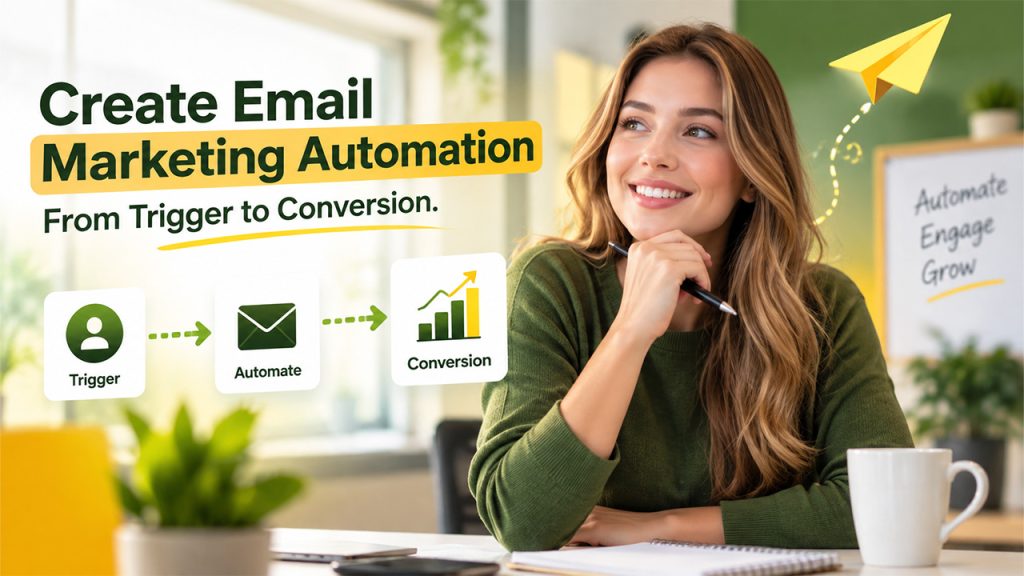
Most email marketing automation tools follow a straightforward process, i.e., Trigger > Condition > Action.
The trigger is an event that starts an automation. Condition determines whether a subscriber qualifies for a particular action. And action is what happens next. This process can continue automatically based on the marketing goals of business and customer behavior.
The email marketing automation works in the following steps:
- A visitor signs up for your newsletter.
- The signup triggers a welcome email.
- The system waits two days.
- The subscriber receives an educational email.
- The system checks whether they clicked a product link.
- If they click, they receive a follow-up offer.
Common Types of Email Automation
There are various types of automated email marketing services, which include:
Welcome Email Series:
A welcome email is among the simplest and most valuable automations. The welcome email automation triggers when someone subscribes to the email list. The goal is to turn a new subscriber into an engaged audience member.
Abandoned Cart Emails:
The abandoned cart automation is especially useful for e-commerce businesses. If a customer adds products to their shopping cart but doesn’t complete the purchase, the automated emails get triggered.
Lead Nurturing Emails:
Lead nurturing sequences help businesses move prospects through different buying journeys. The main purpose of automation is to build trust and provide value.
Post-Purchase Emails:
For businesses, the relationship doesn’t end after a customer makes a purchase. The automated post-purchase emails help confirm the order, provide shipping information, request feedback, encourage repeat purchases, and explain how to use the product.
Re-Engagement Emails:
A re-engagement campaign can attempt to bring inactive subscribers back. If a subscriber remains inactive, businesses may eventually remove them from regular campaigns to maintain a healthier email list.
How to Create an Email Marketing Automation
The process of creating the first email marketing automation includes the following steps:
Step 1: Define Goal
The first step is to choose one clear goal for the first workflow.
Step 2: Identify Audience
Businesses need to decide who should enter the automation. A clearly defined audience results in more relevant email automation.
Step 3: Choose a Trigger
Users also need to determine what event should start the automation. Choosing a trigger can directly relate to business goals.
Step 4: Plan the Email
Before building the workflow, users should map the sequence. Businesses should avoid adding emails simply for the sake of having a longer sequence.
Step 5: Write Useful, Relevant Content
Instead of constantly promoting products, businesses should provide educational information, helpful tips, resources, and solutions to the audience’s problems.
Step 6: Test Your Workflow
Before activating the workflow, users should always check the automation. A small technical error can affect the customer’s experience, so testing is essential.
Best Practices While Creating an Email Automation
While creating an email automation workflow, users should follow the given best practices:
Define a Clear Goal:
Users should decide what the automation should achieve.
Know Target Audience:
Understanding who receives the email, what problem they have, and what information they need at that stage of the customer journey.
Choosing the Right Trigger:
Users should ensure they use a meaningful action to start the workflow.
Segment Audience:
Divide subscribers into relevant groups, which are based on interests, behavior, purchase history, or customer lifecycle stage.
Conclusion
Email marketing automation is a solution that helps businesses save time, effectively engage with customers, and deliver more personalized messages through the customer journey. Businesses can build strategic workflows that can deliver helpful and relevant content based on subscriber actions. By choosing the right triggers, defining clear goals, segmenting audiences, and creating valuable content, businesses can build effective automated email campaigns without overwhelming their subscribers.
Frequently Asked Questions
Email marketing automation generally works through triggers, conditions, and actions. A specific event, such as a newsletter signup or purchase, triggers an automated workflow that sends a relevant email or performs another predefined action.
There are various common types of email automation, which include welcome email sequences, lead-nurturing emails, abandoned-cart emails, post-purchase emails, and customer onboarding emails.
Email automation allows businesses to send prospects to a planned series of educational and relevant messages over time.
Yes, email marketing automation can personalize emails. Email automation platforms can use customer information and behavioral data to personalize messages based on factors such as names, interests, previous purchases, content interactions, and customer lifecycle stages.