

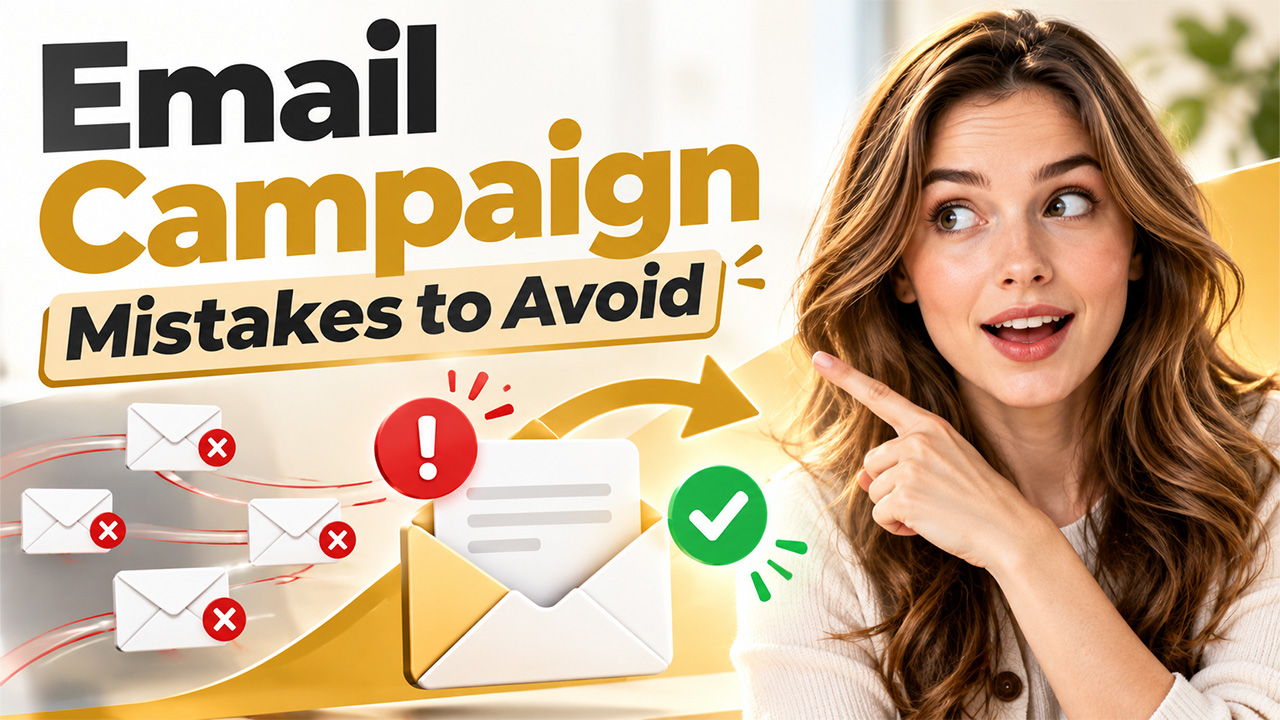




An email campaign is a planned set of one or more messages sent to a group of recipients to help achieve a specific business goal, whether acquiring new leads, announcing a product, or keeping current customers engaged. Many new ways of communication have appeared in recent years, but email still remains one of the most effective ways to reach people directly.
However, many teams, despite having a perfectly fine email marketing approach, make avoidable mistakes in planning, targeting, content, and timing. These errors cost sender engagement, get you a higher unsubscribe rate, and damage the sender’s reputation.
This article looks at five of the common mistakes that happen with email campaigns and gives simple ways to fix each one.
Mistake 1: Sending a Single Message to the Entire List
Email campaigns often fail because the content assumes that all of your subscribers have the same interests, buying history and are at the same point in the buyer’s journey. Sending one email out to the entire email database can look like a cost-efficient method but that usually receives less engagement, lower relevance, and very little conversions.
A generic message will not effectively respond to each user groups’ needs. With higher subscriber expectations, personalized content has become a must-have aspect of your email marketing.
How to Fix Them?
- Segment your subscribers through demographics, interests, past purchase behaviour and how engaged they are.
- You create content according to different target groups’ need and purposes.
- Use email marketing automation to send personalized messages to hundreds or thousands of recipients.
Mistake 2: Neglecting List Quality and Deliverability
The success of an email campaign is dependent on the arrival of messages in the inbox. The condition of the underlying list determines this outcome. Organizations that value the quantity of addresses more than the quality of addresses often collect invalid email addresses, inactive subscribers and spam traps. Those records increase the bounce rate and decrease the interaction of recipients. The mailbox providers view those results as evidence that the sender has a poor reputation. As this reputation decreases, the providers route messages to spam folders even when the messages belong to subscribers who open emails.
There are multiple practices that create this problem, for example, the use of lists that are purchased or gathered from websites, the lack of a confirmed opt in process and the choice to keep unresponsive contacts are the most frequent causes. The absence of authentication records like SPF, DKIM & DMARC also makes deliverability weaker.
Teams can resolve those issues with the following actions:
- Verify the addresses at the point of collection and prior to large sends to minimise the number of hard bounces.
- Remove inactive contacts after a certain period (e.g. 6 to 12 months) with no opens or clicks, or run a re-engagement sequence first.
- Configure SPF, DKIM and DMARC to authenticate the sending domain.
- Monitor bounce rate, complaint rate and unsubscribe rate and look at any sustained increase in any of those.
- Teams can use data cleaning tools to improve reporting and save employee time.
Mistake 3: Failing to Optimize for Mobile Devices

According to industry benchmarks, mobile devices account for a large portion of all email opens. Unfortunately, most organizations are still designing their messages as if they were only being viewed on desktops. This results in emails that need horizontal scrolling, tiny text sizes, and/or links that are clustered together, none of which encourage people to engage with your email.
This causes people to just delete these unreadable emails right away. These bad user experiences may be one-time events, but after multiple interactions, subscribers might decide to unsubscribe from future communications altogether. That’s not good for any brand because those negative engagement signals impact deliverability.
Here are some ways to start improving how you make your campaigns more mobile-friendly:
- Use a single column and make sure your design responds to different widths on screens you’re sending messages to.
- Use a body font size of at least 16 pixels and be brief with subject lines and preheader text, many mobile client apps will truncate anything longer than this length.
- Make your CTA buttons at least 44 x 44 pixels in size and give enough space between all other elements on the page for good user interaction.
- Also compress your image sizes and always provide alt tags because some email clients don’t display images by default.
Before sending out an email campaign to a wide variety of users, test each one thoroughly across every major device and email client available. Email marketing automation software usually gives you access to both capabilities along with several others.
Mistake 4: Relying on Manual Sends Instead of Automation
Sending emails manually means that your team will have to do everything themselves, from composing content to scheduling sends. This can be inefficient and result in mistakes (for example sending the wrong segments, missing links, or sending an email too late). And when someone signs up between send dates, they might have to wait a few days before getting a welcome email.
Email marketing automation takes care of all this, letting you define specific triggers to automatically send out messages.
Selecting Email Marketing Automation Software
Here’s what professionals should consider when selecting an email marketing automation tool, based on their own operational needs instead of the sheer volume of features offered by each platform:
- Integration with your existing CRM and analytic tools via native connections.
- A workflow designer featuring a visual interface that allows for building complex flows using conditional logic and behavioural triggers.
- Segmentation capabilities to enable effective personalization leveraging both behavioural and demographic data.
- Deliverability support including authentication tools and sender reputation tracking.
- Scalable pricing options that don’t get out of control as your list size expands.
Once these criteria are clear, our guide on [Top 8 email marketing automation tools] can help you compare platforms against your requirements.
Mistake 5: Relying Solely on Open Rates as a Success Metric
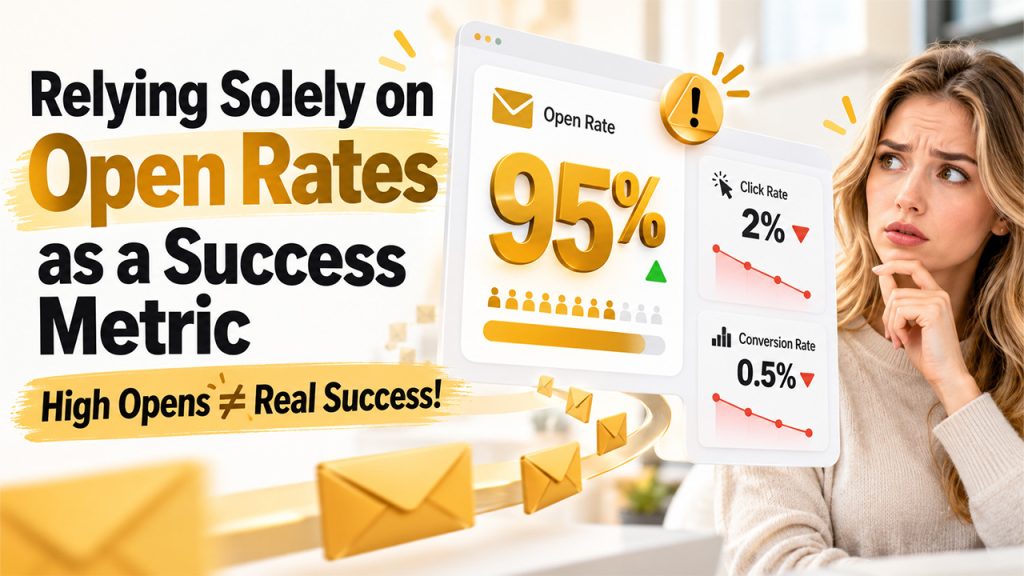
Open rate has been the default indicator of email campaign performance but it is now an unreliable measure because Apple Mail Privacy Protection which came out in 2021 preloads tracking pixels even if a recipient does not view a message and this inflates open counts for many subscribers. Open rate data is no longer a precise metric of audience attention.
An effective email marketing strategy therefore focuses on what recipients do after receiving the message, not on whether a message was logged as opened, and, click through rate which is the percentage of recipients who clicked on a link shows real engagement with the content. The click to open rate measures the proportion of openers who click. It indicates the relevance of the message body & call to action. Conversion rate shows the portion of recipients who complete the action. The action could be a purchase or a registration. Revenue per email ties campaign activity to business outcomes.
To correct this mistake, teams should define a primary objective for each campaign before deployment and, select the metric that corresponds to it, open rate may remain a secondary directional signal, but it should not serve as the basis for strategic decisions.
Building a More Effective Email Campaign
A successful email campaign is when teams coordinate how they target audiences, develop content, deliver messages and measure performance. Organizations should create a repeatable process that supports their specific commercial goals.
The campaign starts when teams define a specific goal, every campaign is useful when it has a clear goal. To make a strategy work, employees align those goals with what subscribers want plus where the subscribers are in the purchasing cycle.
The company must organize subscriber data and ensure all the emails are valid. Engagement increases and delivery failures decrease when teams maintain precise records and send messages that match what specific groups of subscribers want. The text within an email is most effective when it is short, focuses on the topic and readable on the smartphone without horizontal scroll. It is good to include visible buttons or links that direct the recipients to a specific web page.
Consistency is also important in email marketing, automation software helps teams plan when they send messages, start communications based on how a subscriber acts and follow up quickly without doing every step manually.
Conclusion
The marketing of products via email campaigns is a continuous process where marketers learn and improve. Small changes like dividing recipients into groups based on their specific interests, optimizing emails for mobile screens, and evaluating how many recipients clicked on the links and completed purchase, rather than only observing how many recipients open emails, are ways for teams to choose actions that lead to better results.
Frequently Asked Questions
Send your subscribers the same email. Segmenting your audience based on their interests, behaviour and customer lifecycle stage allows you to be more specific with how you communicate with them.
Use permission-based email lists, remove inactive contacts, configure SPF, DKIM and DMARC authentication Provide clear unsubscribe option.
The ideal frequency depends on audience preferences, business objectives, and content relevance; consistent scheduling and performance monitoring help determine the right approach.
Track click-through rates (CTRs) conversions, bounce rate, unsubscribes, spam complaints, etc. along with your opens.
Test your emails on mobile devices as well as different email client types, personalized email content, add links and calls to actions.